Checklist for the common user
It can be difficult for people outside of development to understand which websites are well-made and which ones only appear to be.
We asked our developer, Oleg, to share the key points to consider when analyzing competitors’ websites or choosing contractors for yourself.
1. Adaptability
Every year, more and more users access websites from smartphones.
Incorrectly displayed content, overly small navigation elements, horizontal scrollbars—these aren’t problems only for those who are very interested in a company’s offer. Everyone else will likely look for a website with a more user-friendly interface.
It’s also worth considering that search engines analyze user behavior on a website. If most visitors quickly abandon it, this leads to a decrease in organic search rankings. Therefore, a poorly designed website loses its chance to rank high in organic search results.
As a result, the website owner will lose part of their interested audience, and the cost of customer acquisition will be higher.
To check your website’s responsiveness, right-click anywhere on the site → “Inspect Element Code” (or a similar option). Find the smartphone and tablet icons, click on them, and then see how the site looks on different mobile devices.
2. Page loading speed
The importance of this criterion is also increasing every year. As early as 2019, Unbounce’s research found that website loading speed impacted the willingness to purchase a product for 70% of users. This parameter becomes especially critical when people access the site from a smartphone. Among those unwilling to wait longer than three seconds, Android users accounted for 36%, while iOS users accounted for 64%.
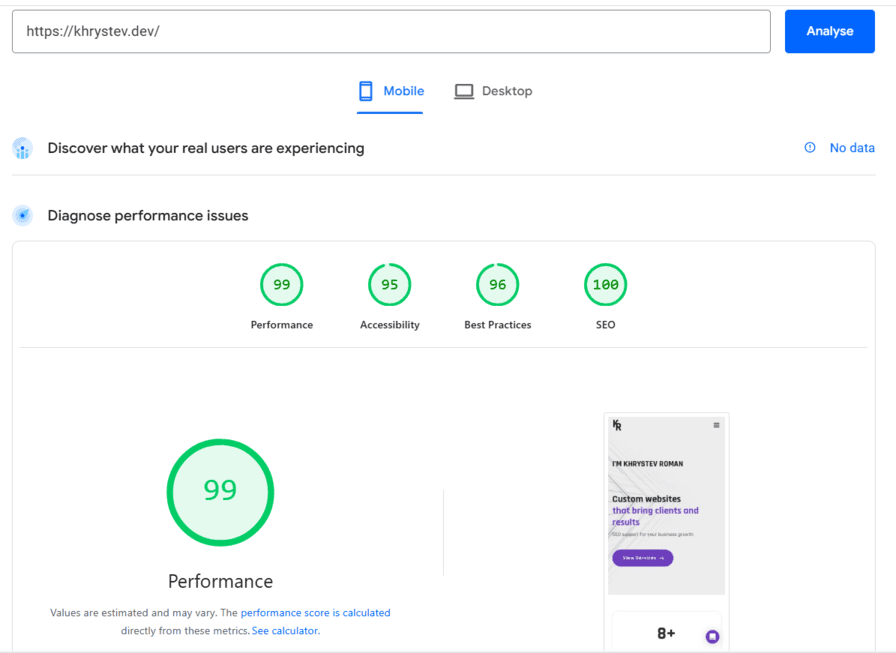
The most popular tool for checking website loading speed is Google PageSpeed Insights https://developers.google.com/speed/pagespeed/insights/
It evaluates the speed of computers and mobile devices on a scale of 100 and indicates which changes can improve it. The service’s results are useful, but you shouldn’t aim for a perfect score of 100. For a standard landing page or online store, a score above 80-90 is considered sufficient.
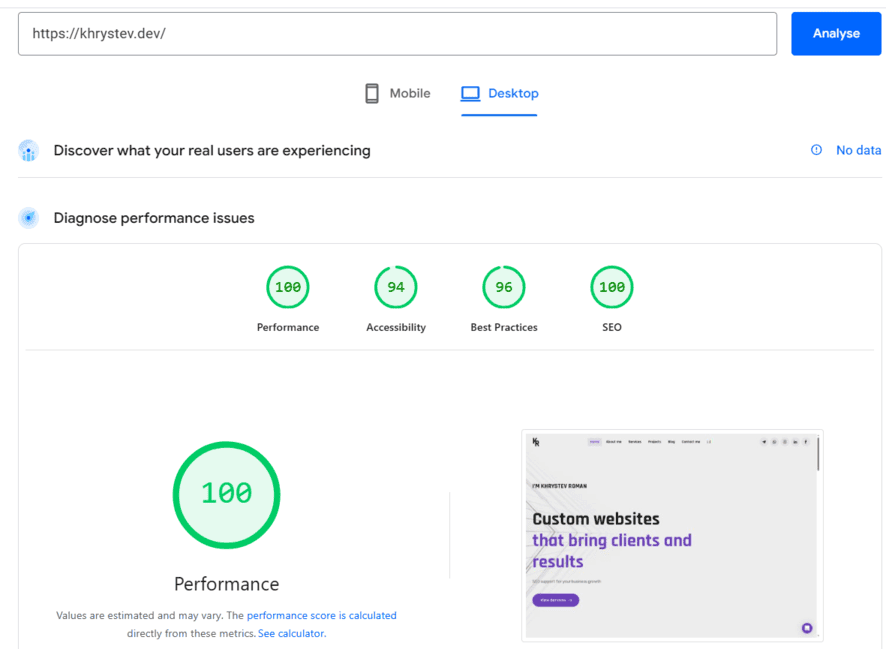
Loading speed is important when evaluating standard websites. When it comes to complex design solutions that are more focused on image, this criterion becomes less important.
3. Number of errors
When browsing a website as a regular user, we might only see the most serious errors, like a non-functional contact form or a section that won’t open. And even then, only if we test all the available options on the page.
The familiar developer console will help you save time and peer into the world hidden from the user’s eyes. Switch from the code section to the console. You’ll see red marks. One mark = one error.
The console displays errors in scripts. Scripts are responsible for dynamic website elements, submitting forms, loading products without refreshing the page, and so on.
Errors can occur either because something on the website is not working properly, or if you have an extension installed, such as AdBlock.
The mere presence of errors isn’t always critical. Many are completely unnoticeable and cause no inconvenience. But if there are more than fifty, it’s cause for concern.
This situation often occurs when a project either passes from one developer to another, with each developer working independently, or when it is in the hands of one inexperienced or simply uninvolved programmer.
4. Checking the layout for validity
Layout validity is the compliance of HTML code with established criteria. This check can be compared to checking regular text: whether it complies with literary language standards or is written in a more informal style.
The more valid the code, the higher the likelihood that the site will display the same in all browsers.
Validator evaluation used to be very important, but with the development of technology and growing demands on the functional and aesthetic aspects of a website, completely eliminating validity errors has become impractical, as it takes a significant amount of time but has virtually no impact on the result.
Therefore, checking a website for validity is still recommended, but as in the previous point, it’s best to focus not on the absence of errors, but on their number. Fewer than 100 is normal.
You can check the validity on the website https://validator.w3.org/
5. Lazy loading – slow loading of images
A small feature that will help you recognize a developer who’s keeping up with the times. Lazy Loading allows images to be loaded only when they appear in the user’s field of view or close to it, rather than loading them all at once. This allows users to access the information they need more quickly.
At the same time, page loading should be as seamless as possible for the visitor. If each image loads only after it appears on the screen, even if there are many of them and they’re important, it will be rather annoying.
Of course, these 5 points only give you a general idea, but they will still help you trust more than just the site’s appearance. Professional help you can find here. I will help you.